
Game images by RAWG
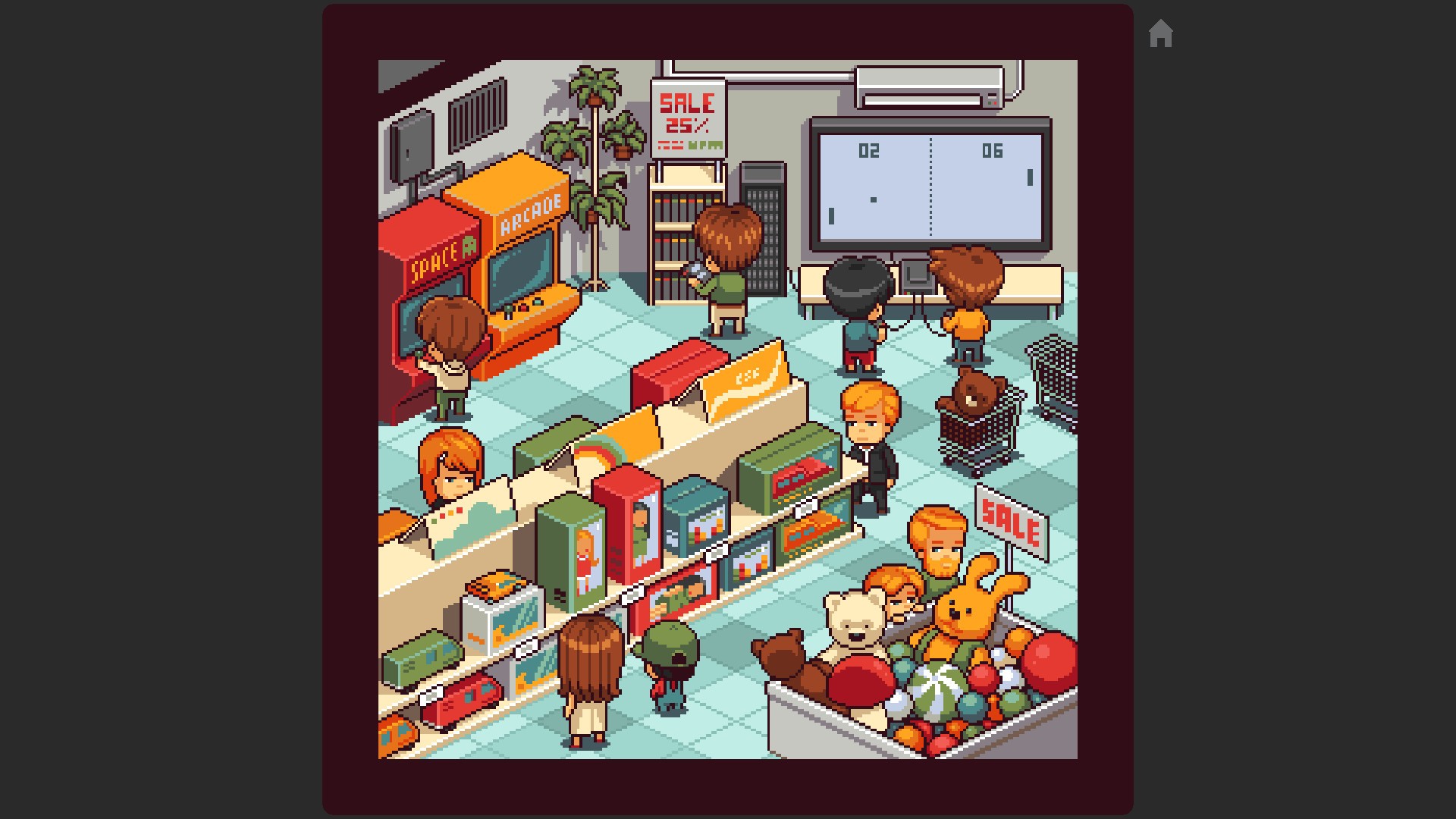
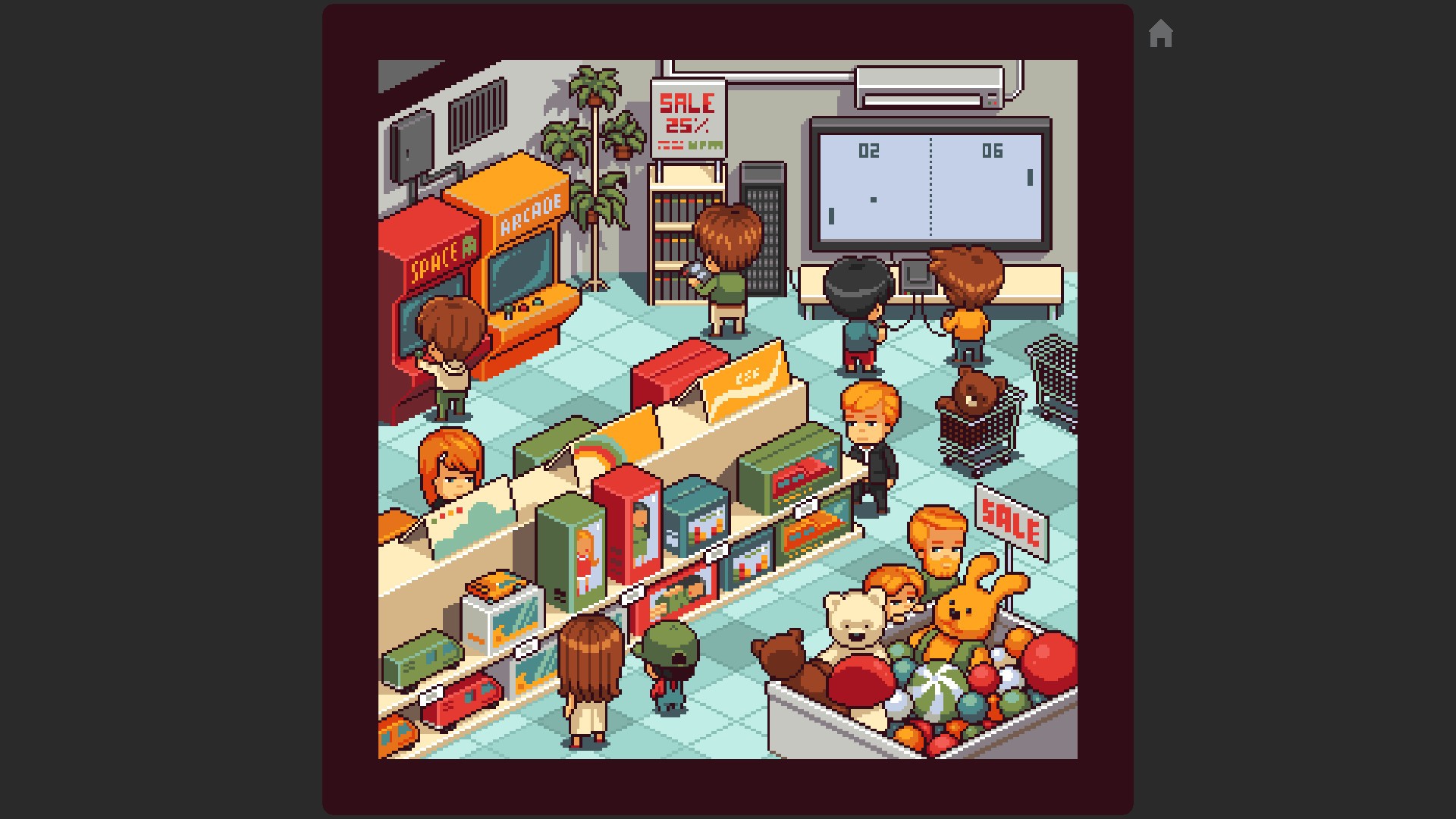
Coloring Game: Little City
L. Stotch
About This Game
Super ReviewColoring Game: Little City offers a calm, single-player coloring-by-numbers experience where children fill pixelated city scenes to see them animate. It's a good pick for developing fine motor skills and concentration, but creative freedom is limited to guided coloring, and additional image packs are sold as DLC. Families should manage expectations around in-app purchases.
Super Review
Parent verdict
Coloring Game: Little City is a good fit for parents seeking a gentle, stress-free activity that subtly builds concentration and fine motor skills. With a 'Good' health score of 69, it delivers on its promise of relaxing, guided creative play. The main tradeoff is the structured nature of the coloring, which may limit deeper creative expression, and the need to purchase DLC for more images beyond the initial free set.
What players actually do
- Players select a pixelated city scene and fill in numbered squares with corresponding colors, enhancing their fine motor control and precision.
- Players complete images to trigger custom animations, providing a satisfying sense of accomplishment and visual reward.
- Players practice number and color recognition as they match shades to numerical guides on the screen, a gentle learning experience.
Where it shines
- The game excels at developing fine motor skills, improving concentration, and reinforcing number and color recognition through its methodical gameplay.
- It offers a genuinely relaxing and stress-free creative outlet, ideal for winding down, with the added charm of animated scenes upon completion.
Parent watch-outs
- Creative freedom is limited to filling by numbers; children cannot free-form draw or extensively customize color palettes.
- While the base game is free with 15 images, the desire for more content will lead to purchasing additional DLC image packs or a 'Season Pass'.
Family rules worth setting
- Set clear expectations regarding in-game purchases and discuss what content is available for free versus paid DLC before play begins.
- Encourage children to use the game as a relaxing activity, but also provide opportunities for more open-ended drawing or creative projects outside of the structured format.
Talk about this
- Discuss the difference between guided creative activities and free-form art, and which one your child prefers or learns from more.
- Explain how 'free' games often offer additional content for purchase, and talk about making choices with money and value.
Play style
This is a single-player, low-difficulty experience with no time pressure, perfect for short, relaxing sessions or longer periods of focused coloring. Children simply click to fill in pixels, and an undo button helps correct mistakes. Its intuitive controls mean most children will need little assistance, though parents might help navigate DLC options for new content.
Score Breakdown
Positive Aspects
Risk Factors
Why this rating
Educational Value
4/5Coloring Game: Little City scores well with an Educational Value of 4, as it directly aids in enhancing fine motor skills, improving concentration, and fostering number and color recognition through its core gameplay. The structured color-by-numbers approach provides a clear learning framework.
Creativity
3/5With a Creativity score of 3, the game offers a guided creative experience, allowing players to bring detailed scenes to life by filling in pixels. While it stimulates imagination within a structured format, it lacks free-form drawing or extensive color palette customization, limiting truly open-ended creative expression.
Addictive Monetization
1/5The game earns a low Addictive Monetization score of 1, indicating minimal concern, as it is free-to-play but clearly offers additional content through purchasable DLC packs. While these are available, the game lacks time-pressure mechanics or other designs aimed at creating urgency for purchases.
Negatives
- •Creative freedom is limited to filling by numbers, without free-form drawing or extensive color palette customization.
- •As a single-player experience, there are no opportunities for teamwork or social interaction with others.
- •Additional content beyond the initial 15 images requires purchasing DLC packs, which may add up for persistent players.
Positives
- •Enhances fine motor skills and improves concentration through detailed coloring tasks.
- •Aids in color and number recognition, offering a gentle learning experience for younger players.
- •Provides opportunities for creative expression within a structured format, stimulating imagination.
- •The game is family-friendly and designed to be a stress-free experience, suitable for relaxation.
- •The base game is free to play, offering a good introduction without an upfront cost.
Other Recommended Games
Space Commanders: Solar System
Ziya AL
Same platform, Similar gameplay style
Songs of Glimmerwick
Eastshade Studios
Same platform, Similar gameplay style

CULTivation
plaitoy
Same platform, Similar gameplay style

BREADBOARD 3D
Philippe Fauteux
Same platform, Similar gameplay style
Official Ratings
No official ratings available.
Age Fit
Help us rate the next game
GameCompass is free for every family and takes nothing from game studios. A coffee is what puts the next game on the list.
Buy us a coffeeWhat support pays for