
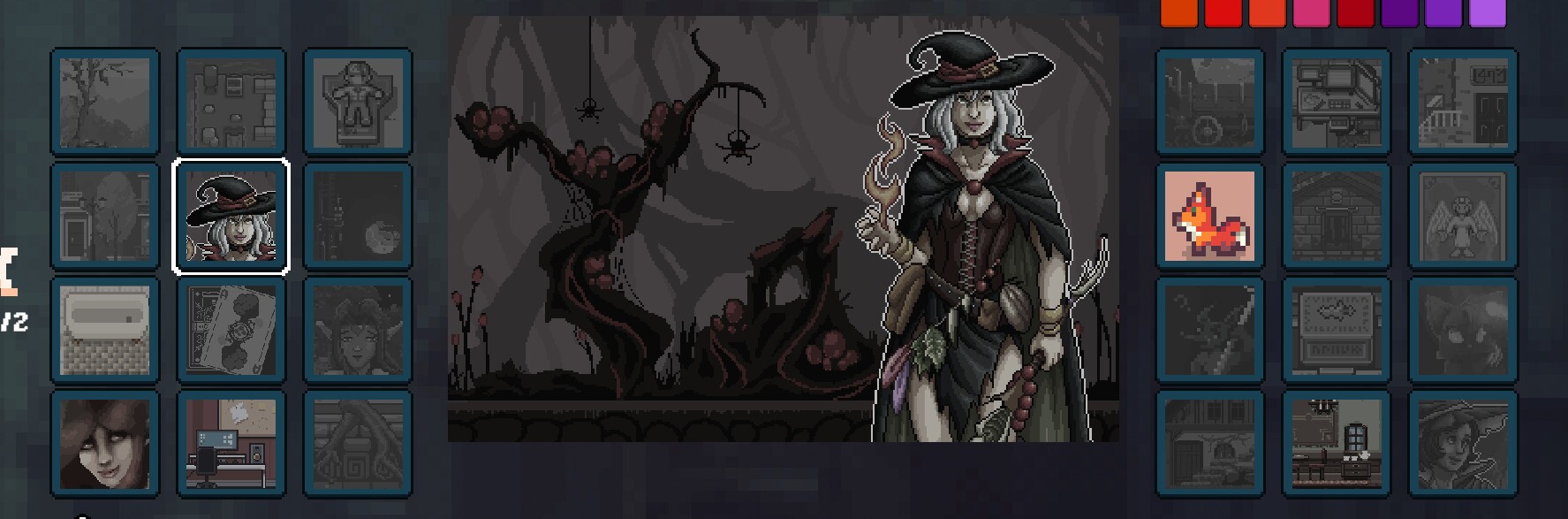
Game images by RAWG
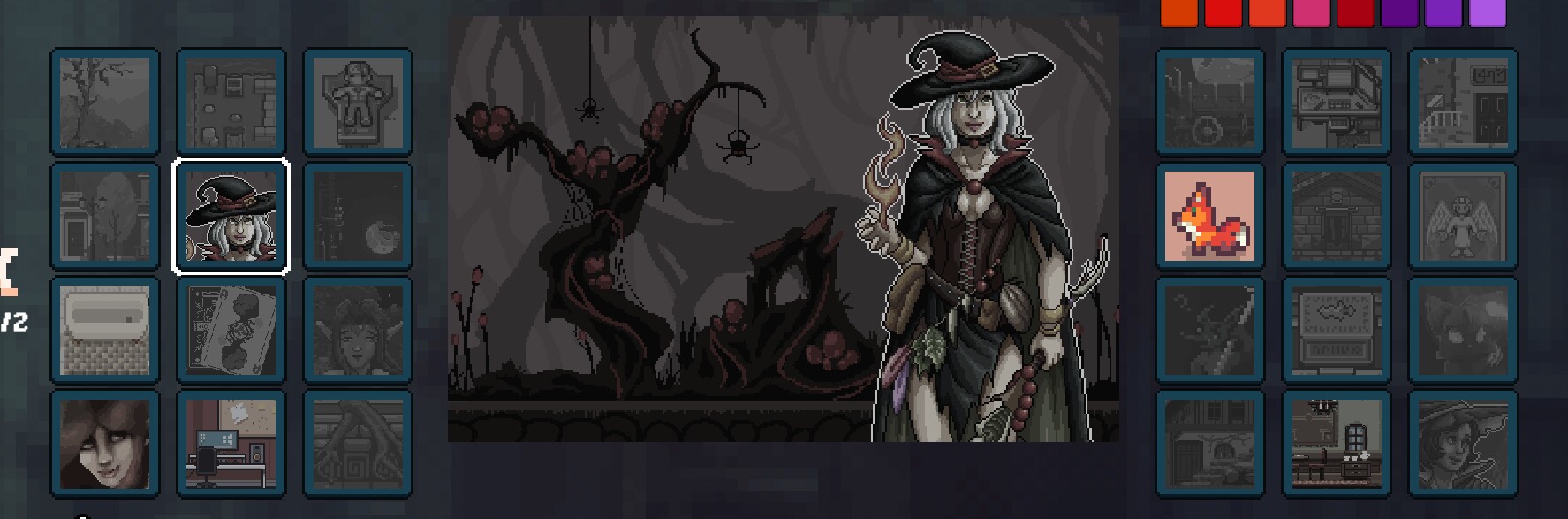
Pixel Artist
Potion Junkies (PC); Mindscape (Nintendo Switch)
About This Game
Super ReviewPixel Artist is a gentle, digital paint-by-number game offering a relaxing and non-violent creative outlet. With its one-time purchase model and focus on completing preset pixel art, it’s a low-risk option for younger children developing fine motor skills and color recognition. While it lacks true creative freedom, its local co-op on Switch can make it a pleasant shared activity.
Super Review
Parent verdict
For parents seeking a calm, structured art activity without competitive pressure or online interaction, Pixel Artist is a good fit. Its paint-by-number mechanic is intuitive and approachable, making it suitable for younger children to play independently or alongside family. The game’s score of 62 reflects its solid, family-friendly design, though the limited creative depth means it won't satisfy older children looking for extensive art tools.
What players actually do
- Players select a pixel art canvas and fill in numbered sections with corresponding colors, developing color recognition and number matching skills.
- Players use brushes and a 'magic fill' tool to efficiently color large areas, practicing precision and decision-making for tool usage.
- In local co-op (Switch), players work together on a single canvas, fostering collaboration and shared problem-solving without competitive elements.
Where it shines
- The game provides a genuinely relaxing experience, free from timers, scores, or violent content, making it ideal for unwinding.
- Its paint-by-number structure is inherently accessible, allowing children as young as six to engage with art creation successfully and build confidence.
Parent watch-outs
- The primary limitation is its lack of open-ended creative freedom; children are completing preset images rather than drawing their own, which may bore those seeking more robust art tools.
- Content counts vary by platform (fewer paintings on Steam than Switch), so parents should check specific platform offerings if replayability is a major concern.
Family rules worth setting
- Establish that this game is for quiet, focused play, distinct from more active or imaginative creative apps.
- If playing on Switch, encourage co-op sessions to enjoy shared creation and bonding over completing a picture together.
Talk about this
- Discuss the difference between following instructions (like in paint-by-number) and expressing original ideas in art, and which they prefer.
- Explore how different tools in the game (brush, magic fill) help with efficiency, and how that applies to other tasks.
Play style
Pixel Artist offers a very low-friction, self-paced experience. There's no difficulty curve, and children can start and stop canvases as they wish, making it perfect for short, relaxing sessions. Solo play is straightforward, but the Switch's local co-op for up to four players encourages shared focus without pressure, making it an excellent choice for a calm family activity. Younger children might need initial help navigating menus or understanding tool functions.
Score Breakdown
Positive Aspects
Risk Factors
Why this rating
Creativity
2/5While the game involves art, its paint-by-number mechanics mean children are filling preset templates rather than conceptualizing original works. This offers limited scope for genuine creative expression, leading to a Creativity score of 2.
Pro-Social
3/5The local co-op mode on Nintendo Switch encourages players to work together on shared canvases, fostering cooperation and shared accomplishment. This direct, non-competitive interaction contributes positively to pro-social behavior, earning a score of 3.
Addictive Monetization
0/5Pixel Artist is a one-time purchase game with no in-game purchases, loot boxes, or aggressive monetization tactics. This complete absence of manipulative purchase models results in an Addictive Monetization score of 0, indicating no concerns.
Negatives
- •Limited creative freedom (preset paint-by-number canvases rather than open drawing)
- •content/asset counts vary between platforms (Steam lists 48 paintings
- •Switch lists 100+ canvases), which may affect replay value.
Positives
- •Relaxing, non-violent paint-by-number gameplay suitable for young children
- •supports local cooperative play (up to 4) on Switch
- •one-time purchase with no aggressive microtransactions.
Gameplay Videos
Other Recommended Games
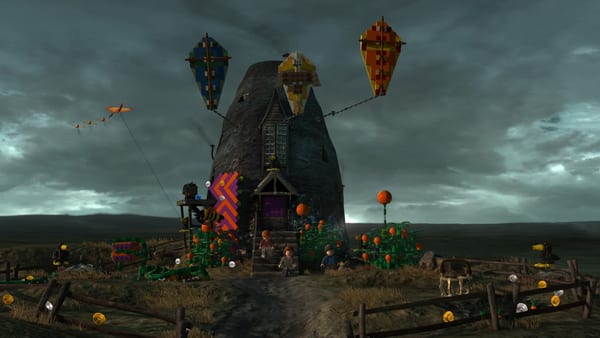
LEGO Harry Potter Collection
TT Games; Double Eleven (remaster)
Same platform, Same business model, Similar gameplay style
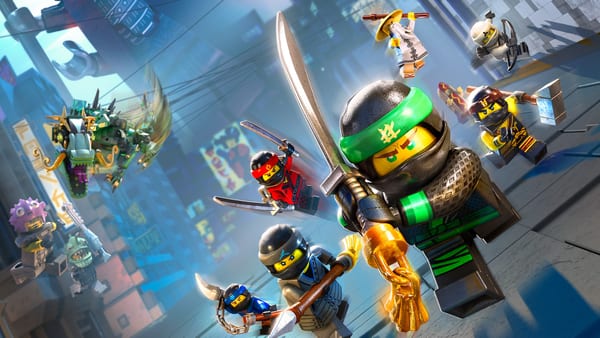
The LEGO Ninjago Movie Video Game
TT Games / Traveller's Tales (TT Fusion). citeturn3search12
Same platform, Similar gameplay style

Lego Batman: Legacy of the Dark Knight
TT Games
Same platform, Similar gameplay style, Higher health score

Bits & Bops
Tempo Lab Games
Same platform, Similar gameplay style, Higher health score
Official Ratings
No in-game purchases; no online multiplayer (local co-op only); cloud save supported on Switch.
Age Fit
Help us rate the next game
GameCompass is free for every family and takes nothing from game studios. A coffee is what puts the next game on the list.
Buy us a coffeeWhat support pays for