
Game images by RAWG
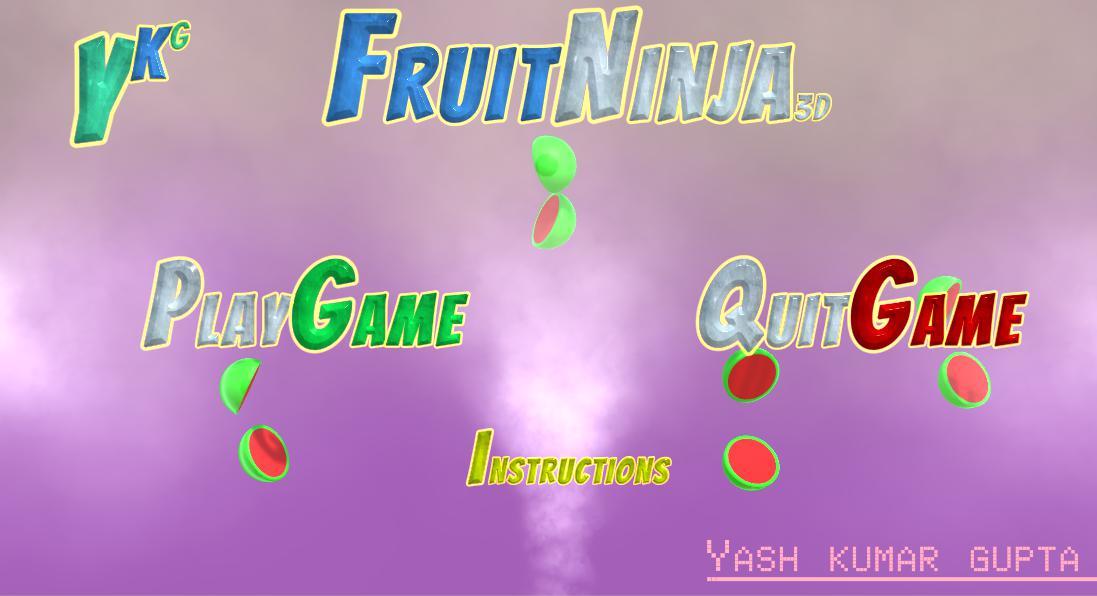
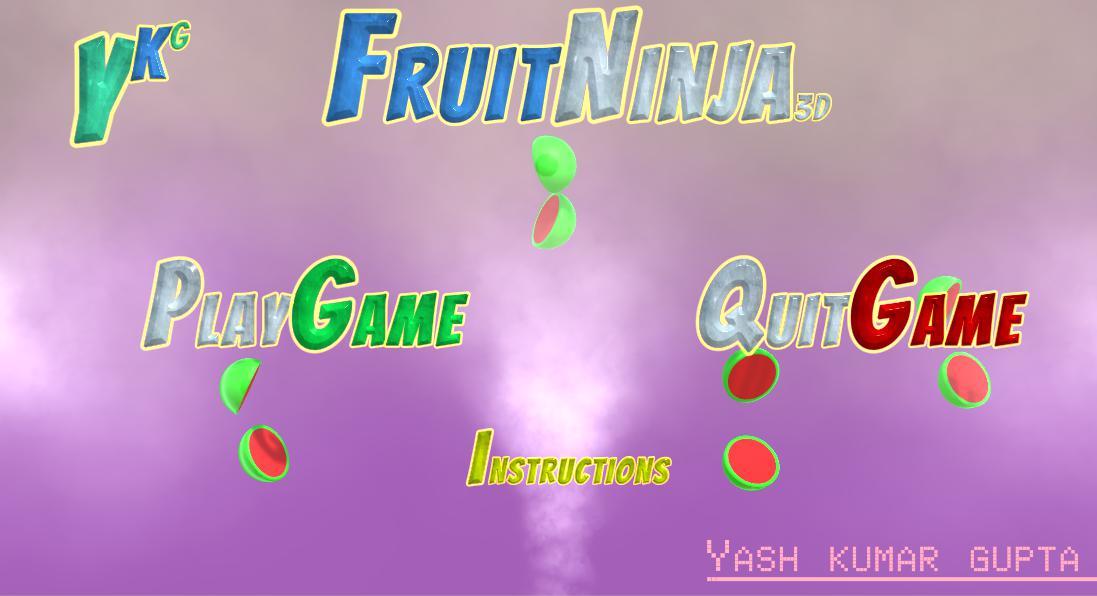
Fruit Ninja
Halfbrick Studios
About This Game
Super ReviewFruit Ninja offers quick, accessible arcade fun, challenging players to slice flying fruit with swift swipes. Its simple premise of reflexes and hand-eye coordination is engaging, but modern mobile versions are heavily layered with ads, in-app purchases, and subscriptions. It's a game that demands parental oversight to navigate its monetization complexities, despite its basic, kid-friendly gameplay.
Super Review
Parent verdict
Fruit Ninja remains a classic for its satisfying, fast-paced action that sharpens reflexes. However, the experience is considerably diluted by aggressive monetization strategies in most free-to-play mobile versions, including frequent ads, gacha mechanics, and subscription prompts. This makes it a mixed choice for families, best considered with strict parental controls or by opting for an ad-free, paid version like the Apple Arcade variant. It's a qualified fit that requires active management to ensure a positive play experience without unwanted spending or interruptions.
What players actually do
- Players swipe across the screen with their finger (or controller gesture) to slice airborne fruit, which exercises hand-eye coordination and quick reflexes.
- Players avoid bombs mixed with the fruit, requiring visual discrimination and quick decision-making under time pressure.
- Players unlock new cosmetic blades and dojos by earning currency through play or purchases, encouraging engagement with a progression system.
Where it shines
- The game provides immediate, satisfying feedback with every sliced fruit, offering a simple yet effective way to practice quick reactions and fine motor skills.
- Sessions are inherently short and self-contained, making it ideal for brief play breaks without long-term commitments or complex objectives.
Parent watch-outs
- Many versions are free-to-play but include aggressive in-app purchases for currency, gacha boxes, and subscriptions, which can lead to unintended spending.
- Frequent, unavoidable advertisements interrupt gameplay in most free mobile versions, potentially frustrating players and exposing them to external content.
Family rules worth setting
- Set clear spending limits or disable in-app purchases entirely on the device before allowing play.
- Use parental controls to block ads where possible, or strongly consider playing an ad-free version like the one available via Apple Arcade.
Talk about this
- Discuss how free games often make money through ads and purchases, and why some purchases might not be worth the real-world money.
- Chat about how quickly ads appear and disappear, and the importance of not tapping on them without understanding where they lead.
Play style
Fruit Ninja features an immediate, arcade-style session rhythm, with rounds lasting from seconds to a few minutes. Difficulty scales with fruit speed and bomb frequency, challenging reflexes rather than strategic thinking. It's primarily a solo experience, though high scores can inspire friendly competition. Players will rarely need help with the core mechanics, but younger children might need assistance navigating menus with purchase prompts or dealing with frustrating advertisements.
Score Breakdown
Positive Aspects
Risk Factors
Why this rating
Educational Value
1/5Fruit Ninja offers minimal explicit educational content beyond basic hand-eye coordination and reflex improvement. While these are beneficial, the game does not aim to teach academic subjects or complex problem-solving skills.
Addictive Monetization
4/5Many free-to-play versions of Fruit Ninja integrate aggressive monetization tactics, including frequent ads, gacha-style item boxes, and prominent prompts for subscriptions and in-app purchases. This can pressure players to spend money to bypass wait times or unlock content, contributing to potentially addictive spending behaviors.
Negatives
- •Modern mobile builds include aggressive monetization (gacha/boxes, subscriptions, ads) and account/progression gating
- •some versions require log-in/subscription to access content.
Positives
- •Simple, highly accessible gameplay
- •short sessions suitable for quick play
- •encourages hand–eye coordination and reflex practice.
Gameplay Videos
Other Recommended Games
Toon Blast
Peak Games (owned by Zynga)
Same platform, Similar gameplay style

Magic Tiles 3
Amanotes Pte. Ltd.
Same platform, Similar gameplay style
Plants vs. Zombies Heroes
PopCap Games
Same platform, Similar gameplay style
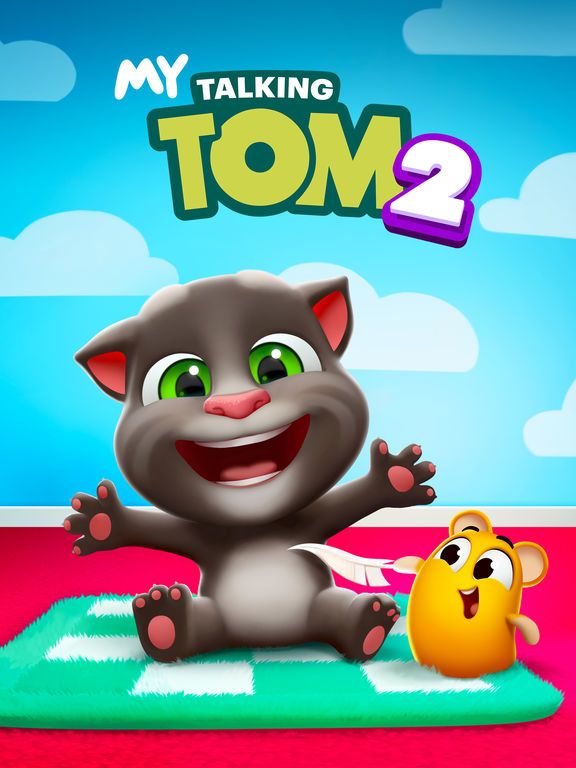
My Talking Tom 2
Outfit7 Limited. citeturn1search3
Same platform, Similar gameplay style
Official Ratings
In‑Game Purchases (varies by platform/version)
Age Fit
Help us rate the next game
GameCompass is free for every family and takes nothing from game studios. A coffee is what puts the next game on the list.
Buy us a coffeeWhat support pays for